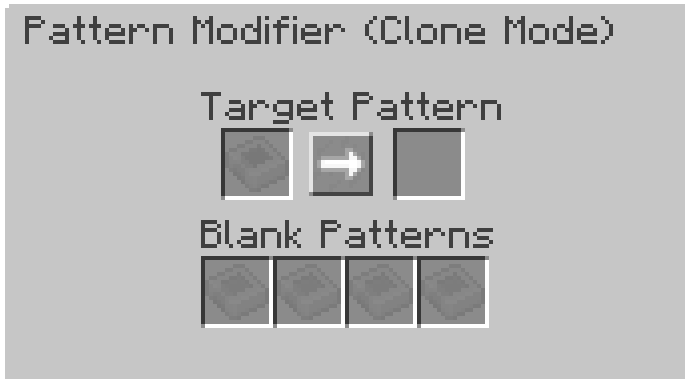
Pattern Modifier
Pattern Modifier is a tool for bulk pattern modification.
Right-click it to open its GUI.
Multiply Mode
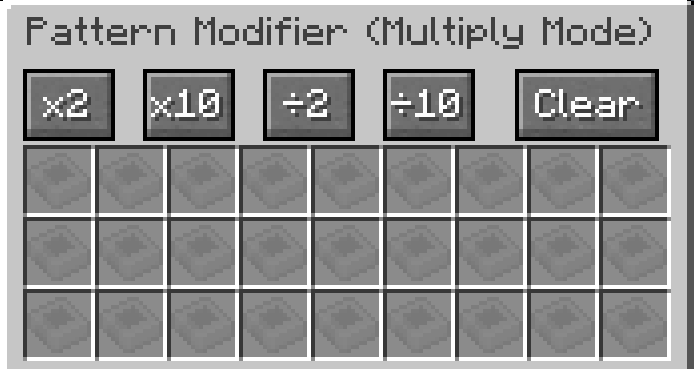
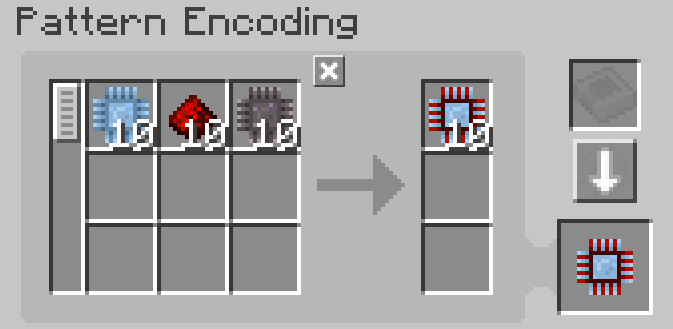
You can multiply/divide a processing pattern's input and output amounts by x by clicking the corresponding button.
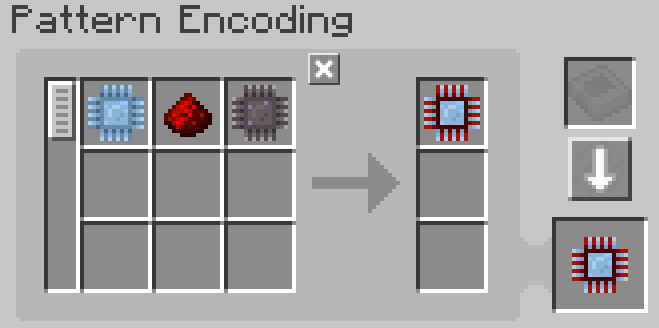
Original Pattern:
After x10:
It can also clear all pattern contents and turn them into blank patterns by clicking the Clear button.
Notes:
-
The division button only works when its amount is divisible. For example ÷2 button won't work when pattern requires 3x cobblestones as input, because 3÷2 is 1.5.
-
The multiplication button has a cap (999999). It can't make a single ingredient's amount exceed this number.
Replace Mode
Replace a pattern's specific input or output ingredient with another item.
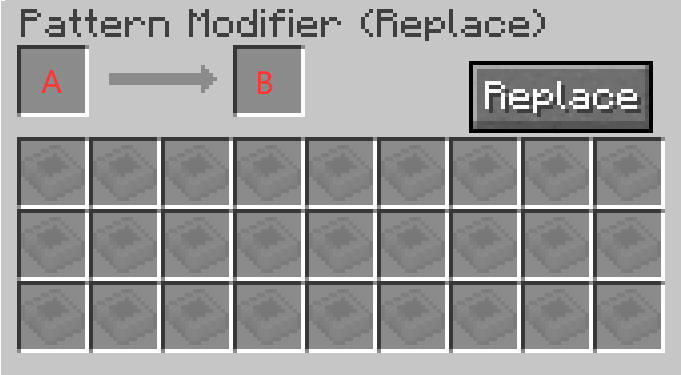
Slot A is what will be replaced, and slot B is what the target will be replaced with.
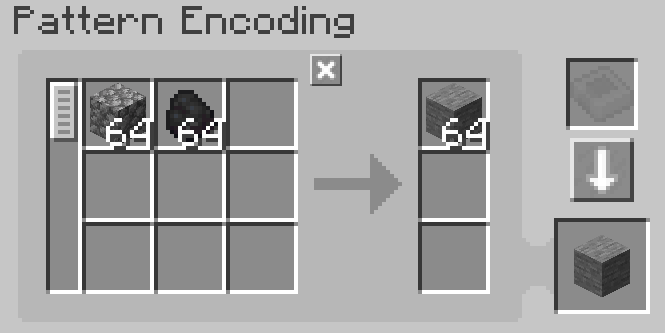
For example, the following setting will replace planks with coal.
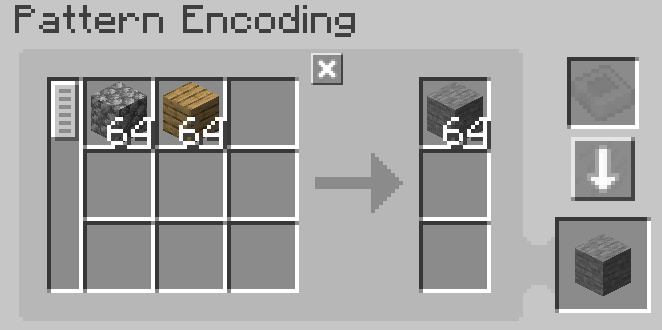
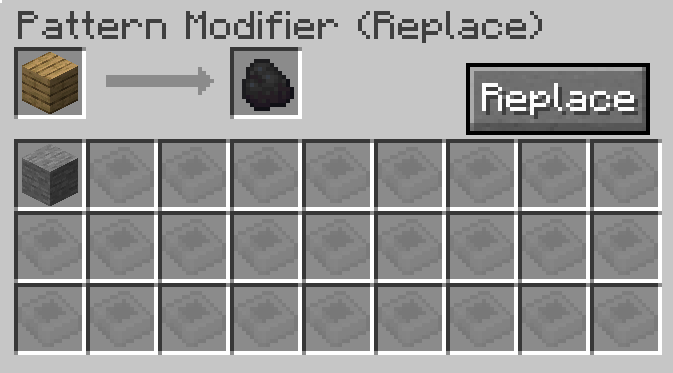
Click the Replace button to perform the replacement.
Clone Mode
You can copy any given pattern in this mode.